 On the App Store
iPhone · Web · Family Sharing
Your house,
tracked.
Rooms, appliances, warranties and vendors, with the maintenance schedule that keeps them straight. Share it with your household through iCloud.
Free to use · No account required
a year
flush
remembering

Overdue, today, this week, this month — already sorted.
Steward opens on the list of things your house is waiting on. Mark one done and the next date sets itself from the interval you gave it.
Tick a row to see the list settle.
Built for a real house, not a demo one.
What it keepsAppliances
Model and serial, warranty end date, what you paid, and every dollar spent on it since — per appliance, in the room it lives in.
The schedule
Filters, flushes, gutters, smoke-alarm batteries. Give it an interval once and Steward carries the next date forward every time you mark it done.
Household sharing
Invite the people you live with through iCloud. Everyone sees the same house, so "did anyone call the plumber" stops being a question.
Vendors & emergency
Every contractor's number in one list, and where the water shutoff is — the two things you need when it's already going wrong.
The same house, on whatever computer you're at.
Steward on the web reads your home straight from your iCloud, so it's the list your iPhone shows. Mark the furnace filter done, log what the plumber charged, add the new dishwasher with a photo of its label, or fix a vendor's number from a real keyboard.
There's nothing to install. Sign in with the Apple Account you use for Steward. If you want it one click away, add it to your Dock or home screen.
Open Steward on the webThe whole house, five screens.
Due · appliance · sharing · vendors · emergency
What's due

Appliance detail

Household sharing
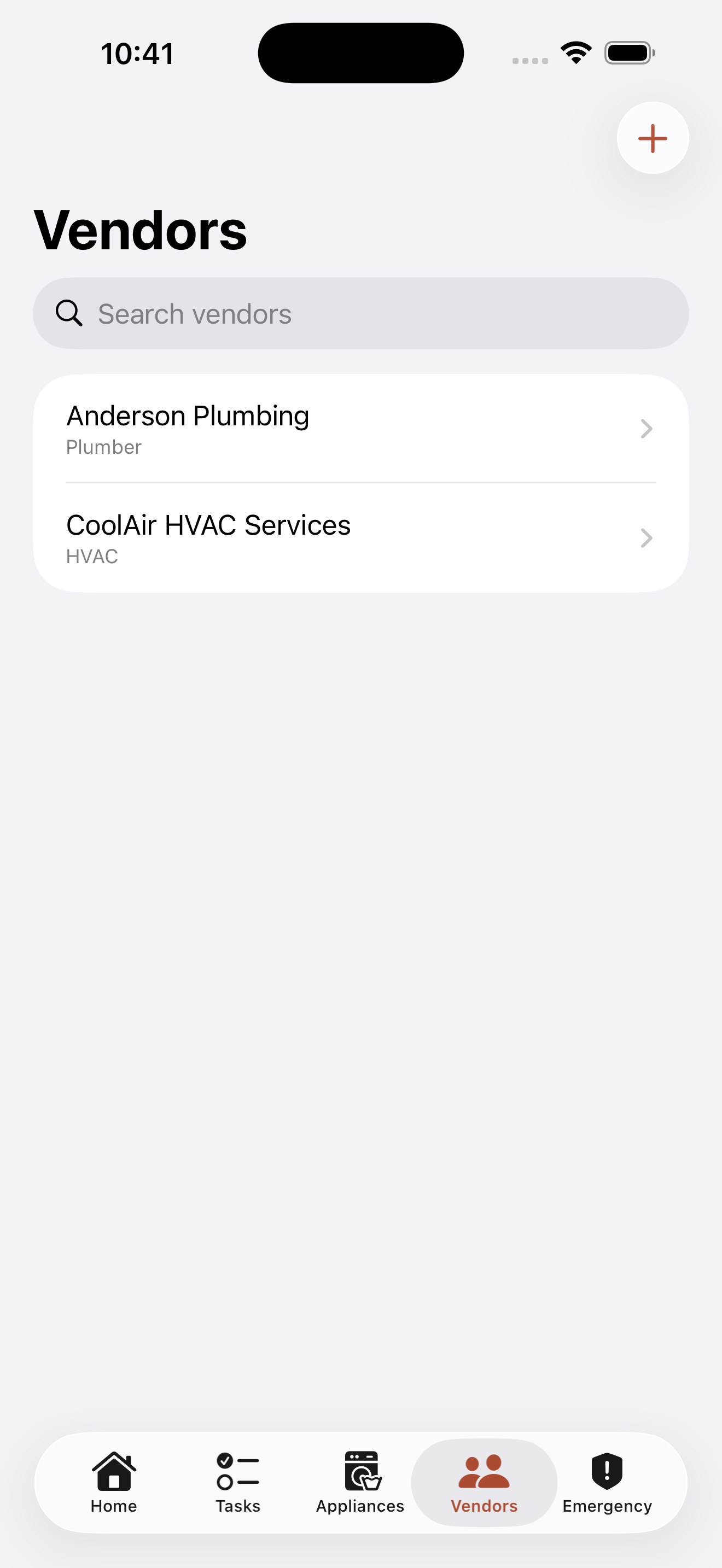
Vendors
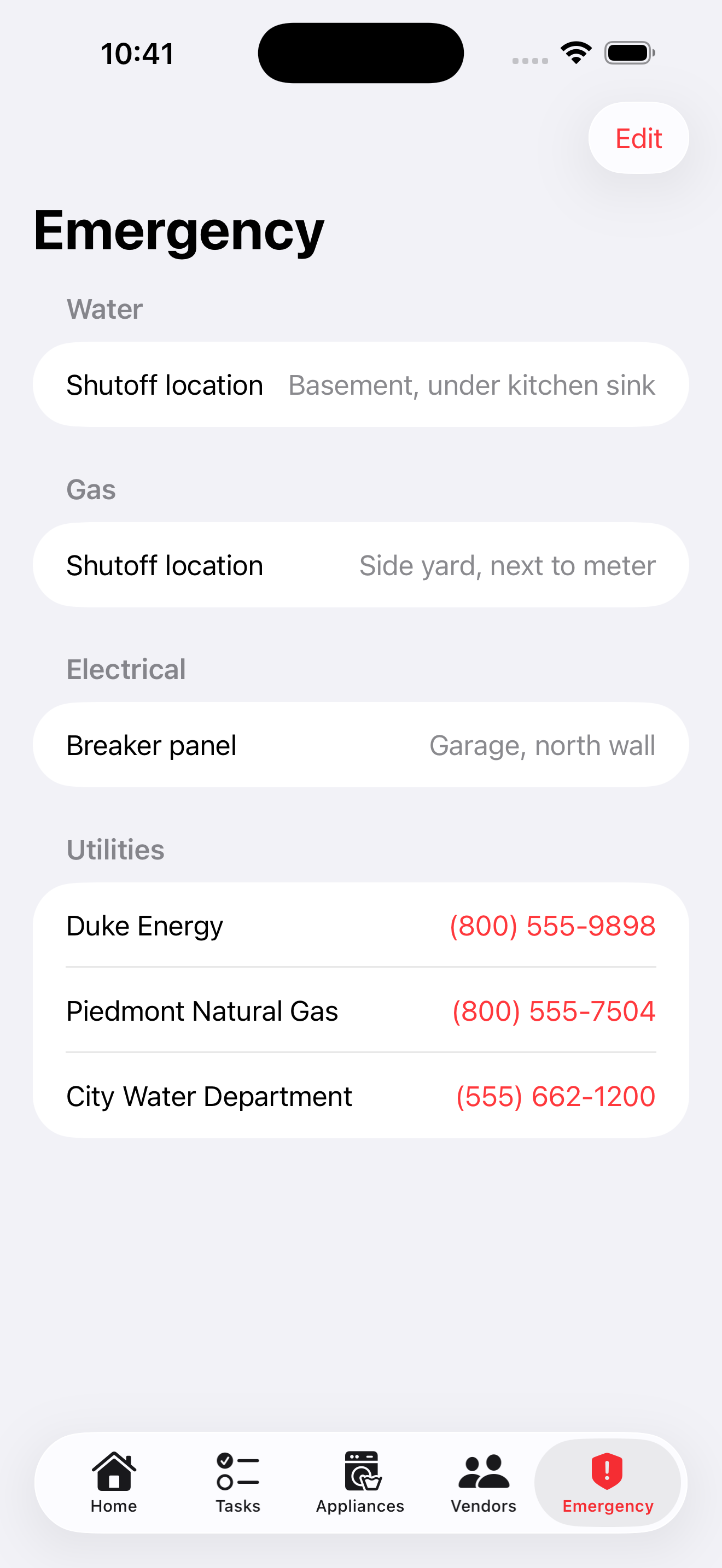
Emergency
Private by design.
Steward runs entirely on your devices and syncs only through your own iCloud. On the web, your browser talks to iCloud directly. No accounts, no ads, no analytics — the inventory of your house is nobody else's business.
I kept forgetting when I last changed the furnace filter, so I built Steward.
I'm TJ — I live in Maryland, I work in corporate IT, and I build these apps at night and on weekends. Steward is one of five that hold the things you'd rather not hold in your head.
Start with one appliance.
Free to use, with a one-time $9.99 Pro unlock — no subscription, no ads, no servers of mine. Family Sharing is included, so the household pays once.